

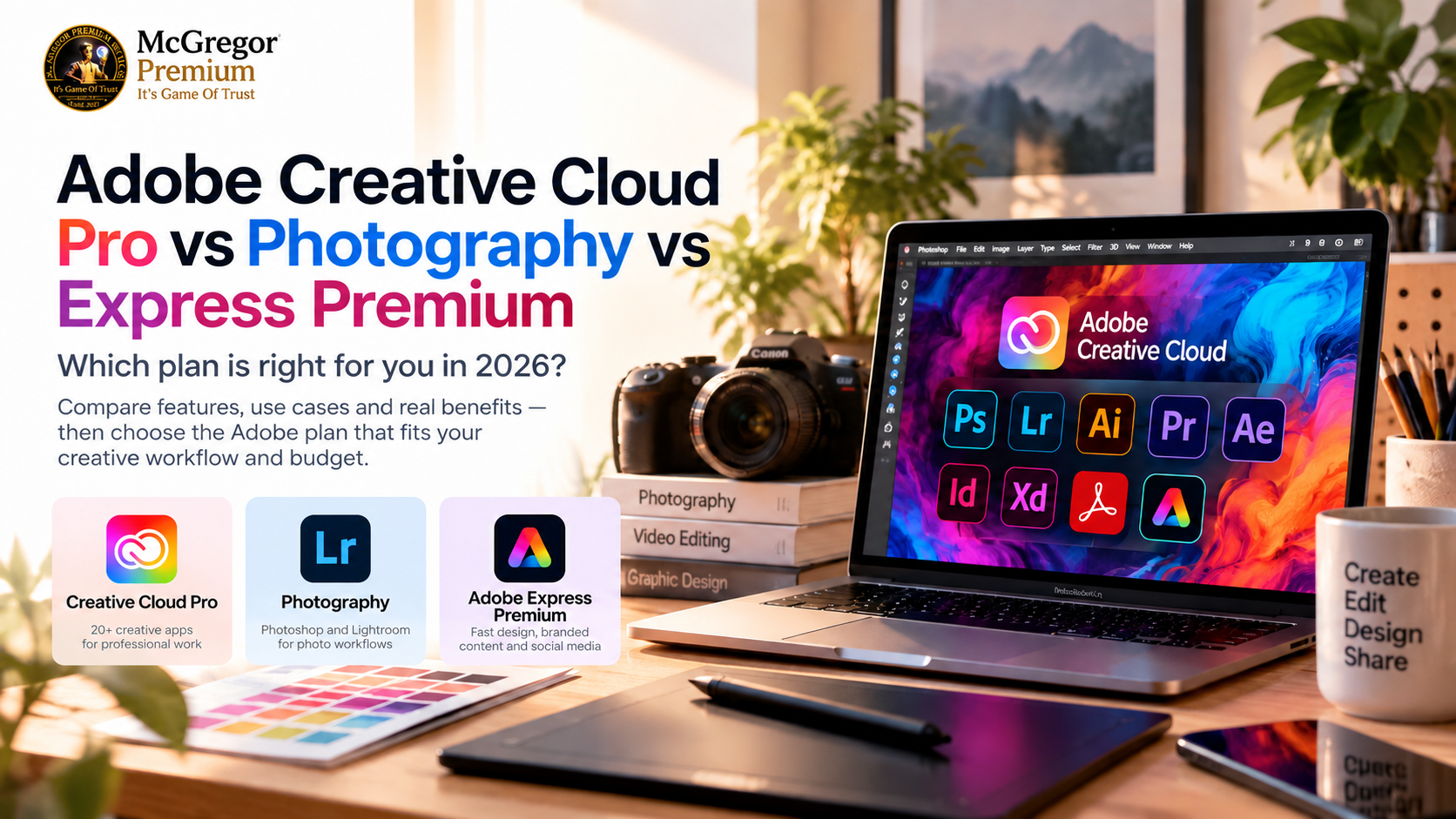
Choosing the right Adobe plan depends on what you actually create. Creative Cloud Pro is built for multi-app creative workflows, Photography focuses on Photoshop and Lightroom, while Adobe Express Premium is designed for fast content creation, social graphics and branded assets.
The short answer: choose your Adobe plan by the work you actually do — not simply by which subscription sounds bigger.
If you regularly move between Photoshop, Illustrator, Premiere, After Effects and other professional creative applications, the full Creative Cloud multi-app experience is the natural fit.
If photography is your main workflow, the Photography plan is much more focused.
And if you mainly create social posts, presentations, flyers, branded content and quick marketing assets, Adobe Express Premium may be all you need.
Adobe Creative Cloud plans at a glance
The easiest way to choose is to ask one question:
What do I actually need Adobe to help me create?
- Creative Cloud Pro: multi-app professional creative work
- Photography: photography and advanced photo editing
- Adobe Express Premium: fast design, branded content and social media creation
Buying more software than you use wastes budget.
Buying too narrow a plan can also become frustrating when your workflow grows.
So let’s choose based on use case.
Creative Cloud Pro — for people who create across formats
Adobe currently positions Creative Cloud Pro as its major multi-app creative subscription.
It brings together more than 20 creative applications, including tools such as Photoshop, Illustrator, Premiere, After Effects, InDesign and Acrobat Pro.
That makes it especially relevant if your work moves between different creative formats.
For example:
- Edit photographs in Photoshop
- Create vectors and logos in Illustrator
- Edit video in Premiere
- Build motion graphics in After Effects
- Produce publications in InDesign
- Work with PDFs in Acrobat Pro
The strength of the plan is not simply the number of applications.
It is having a connected creative workflow available when a project grows beyond one tool.
Who should consider Creative Cloud Pro?
Creative Cloud Pro makes the most sense if you are:
- A graphic designer
- A video editor
- A content creator working across several formats
- A freelancer serving different kinds of clients
- A marketing or creative professional
- A student learning multiple Adobe applications
- A small creative team with varied production needs
If you only need photo editing or simple social-media content, however, the full multi-app plan may be more than you need.
Photography — for Photoshop and Lightroom workflows
Photography deserves its own category because photographers usually have a very different workflow from general designers.
Adobe's current Photography offering combines Photoshop with Lightroom and Lightroom Classic.
That means the plan is built around tasks such as:
- RAW photo processing
- Colour correction
- Retouching
- Photo organisation
- Lightroom workflows
- Advanced Photoshop editing
- Preparing images for print, web or social media
If photography is responsible for most of your Adobe usage, a Photography-focused plan can make considerably more sense than choosing a broader package simply because it includes more applications.
Who should choose the Photography plan?
Consider it if you are primarily:
- A photographer
- A photo retoucher
- A wedding or event photographer
- A product photographer
- A social-media photographer
- A creator whose work revolves around Lightroom and Photoshop
If you expect to move heavily into illustration, video editing, motion graphics or publication design, compare that workflow with a broader Creative Cloud option before deciding.
Adobe Express Premium — speed over complexity
Not every creator needs a full desktop production environment.
Sometimes the real requirement is:
I need professional-looking content quickly.
That is where Adobe Express Premium becomes interesting.
Adobe describes Express Premium as unlocking its premium content and features, including premium templates, brand tools and AI-assisted creative features.
It is particularly practical for:
- Social-media graphics
- Presentations
- Posters and flyers
- Promotional material
- Short-form content
- Resizing creative assets
- Maintaining brand consistency
- Quick content production without a traditional desktop-design workflow
Express is not simply a smaller version of Photoshop.
It solves a different problem.
Photoshop gives you deep image-editing control.
Express prioritises speed and accessibility.
Creative Cloud vs Photography vs Express — the simplest decision
Choose Creative Cloud Pro if:
You regularly need several professional Adobe applications and your work crosses design, video, photography or publishing.
Choose Photography if:
Photoshop and Lightroom represent most of your workflow.
Choose Adobe Express Premium if:
You mainly want to produce polished marketing, social and branded content quickly without needing a full professional desktop suite.
Do you really need the most expensive option?
Not necessarily.
The strongest purchase is the subscription that removes the limitations in your actual workflow.
A social-media manager producing daily branded posts may get more practical value from Express than from installing a large suite of applications they rarely open.
A photographer may spend almost all of their time inside Lightroom and Photoshop.
A designer-editor working across client projects may quickly outgrow a narrow subscription.
Buy around your workflow, not around the size of the software bundle.
1 month or 12 months?
This depends on how long you genuinely expect to use the software.
A shorter term can make sense when:
- You have a temporary project
- You want a defined period of access
- Your software requirements may change soon
A longer term may make more sense when Adobe is part of your everyday professional or creative workflow.
Before buying, compare the exact duration, activation method and current terms shown on the product page.
Before you buy any Adobe subscription
Use this checklist:
- [ ] Confirm which Adobe applications you actually need
- [ ] Check whether the plan is individual, business, education or another licence type
- [ ] Confirm the subscription duration
- [ ] Check the activation method
- [ ] Confirm account and eligibility requirements
- [ ] Read the current warranty or support terms
- [ ] Verify the current price and availability
Plan names, features and regional availability can change, so always check the current product information before purchasing.
Ready to choose?
If you already know your workflow, you do not need to keep comparing endlessly.
Use the McGregor product options attached to this guide to check the current subscription duration, availability and purchase details.
Photoshop + Lightroom? Start with Photography.
Fast social and branded content? Look at Adobe Express Premium.
Photoshop + Illustrator + Premiere + more? Compare the full Creative Cloud option.
The best software purchase is the one that gets out of your way and lets you create.
Not sure which one to buy?
Tell us what you use it for, whether it's personal or business, and how long you need it — we'll help you pick the right available option.
Need multiple subscriptions, business procurement, or reseller pricing? Let's talk.
Talk to McGregor Premium Services on WhatsApp →